+1 315 210 4488
 +91 99888 06489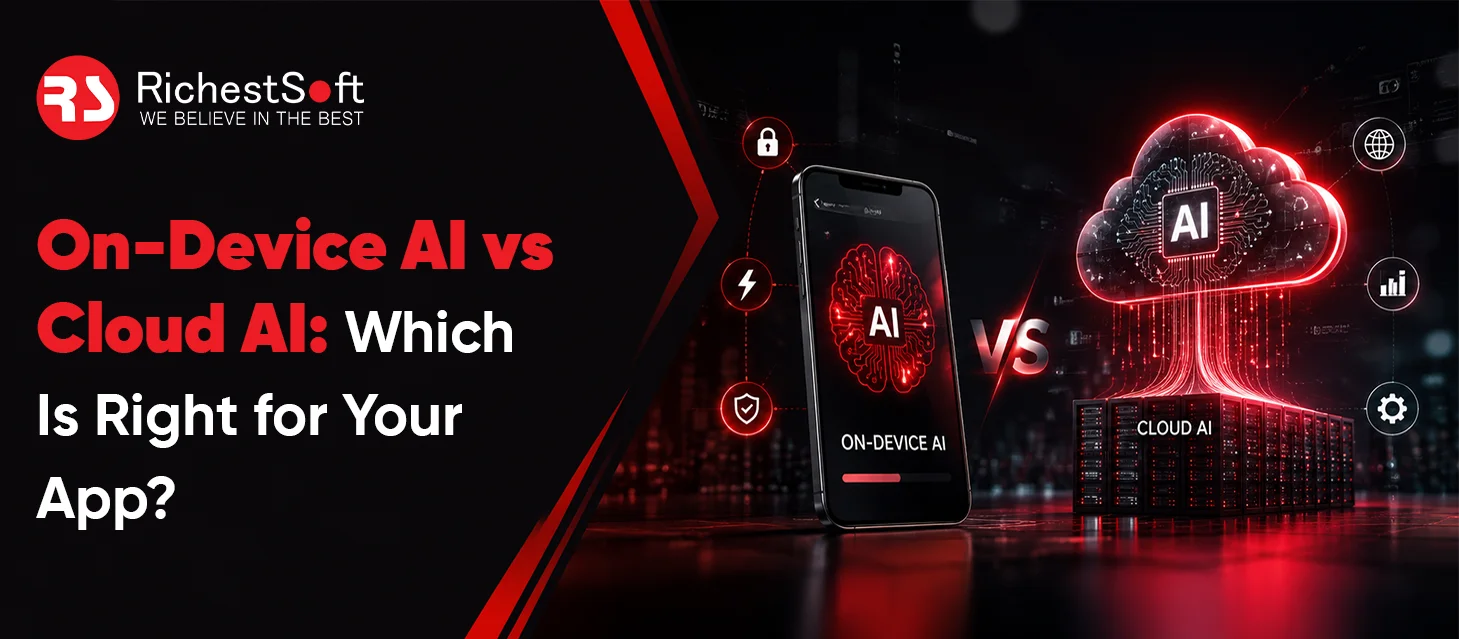


August 7, 2026
Choosing between On-Device AI vs Cloud AI mainly comes down to speed, privacy, cost, and internet dependency. On-device AI runs directly on the user’s device, while cloud AI processes data on remote servers with greater computing power.
Many modern apps use a hybrid approach, handling fast and private tasks on-device while sending more complex AI processing to the cloud.
This guide explains the key differences between on-device and cloud AI and helps you decide which approach is best for your app.
Start Building Your AI-Powered App with RichestSoft Confidence
Start Building Your AI-Powered App with RichestSoft Confidence
What Is On-Device AI?
On-device AI means the AI works directly on a user’s phone, tablet, or laptop. The data stays on the device and does not need to be sent to the internet for processing.
Benefits:
- Faster results
- Better privacy
- Works without internet
- Data stays on the device
Simple example:
Face unlock on your phone uses on-device AI because everything happens directly on the phone.
What Is Cloud AI?
Cloud AI works on powerful servers connected through the internet. When a user makes a request, the app sends the data to the cloud, the AI processes it there, and then sends the result back.
Benefits:
- Can handle bigger AI tasks
- Supports advanced AI models
- Easy to update and improve
Simple example:
ChatGPT uses cloud AI because your question is sent to powerful servers that generate the answer and send it back to you.
Key difference:
- On-device AI = AI works on your phone
- Cloud AI = AI works on internet servers
On-Device AI vs Cloud AI: Speed and Performance
Speed is one of the first things users notice when using AI-powered features. The main difference comes down to where the AI processing happens.
On-Device AI
On-device AI processes information directly on the user’s smartphone or device. Since the data doesn’t need to travel to a remote server, responses are usually much faster.
Advantages:
- Instant or near-instant responses
- No internet delay
- Better performance for real-time features
- Smooth user experience
Best for:
- Face recognition
- Camera filters
- Fraud detection
- Voice commands
- Biometric authentication
Cloud AI
Cloud AI sends data to a remote server for processing and then returns the result to the app. This process usually introduces a small delay.
Advantages:
- Handles larger AI models
- Supports complex calculations
- Can process huge amounts of data
- Doesn’t depend on device hardware
Best for:
- Large language models (LLMs)
- Advanced image and video analysis
- Complex AI assistants
- Deep data processing
On-Device AI vs Cloud AI: Privacy and Data Security
Privacy is becoming a major concern for businesses and users alike, especially when apps handle personal or sensitive information.
On-Device AI
With on-device AI, user data stays on the device and does not need to be sent to external servers for processing.
Advantages:
- Better user privacy
- Reduced data exposure
- Less risk during data transmission
- Easier compliance with privacy regulations
Cloud AI
Cloud AI requires sending data to a remote server before it can be processed.
Considerations:
- Data leaves the device temporarily
- Requires secure transmission and storage
- Additional compliance requirements
- Greater responsibility for data protection
Best Use Cases for On-Device Privacy
On-device AI is particularly useful for apps handling:
- Health information
- Financial data
- Personal identifiers
- Private user content
On-Device AI vs Cloud AI: Cost Comparison for App Development
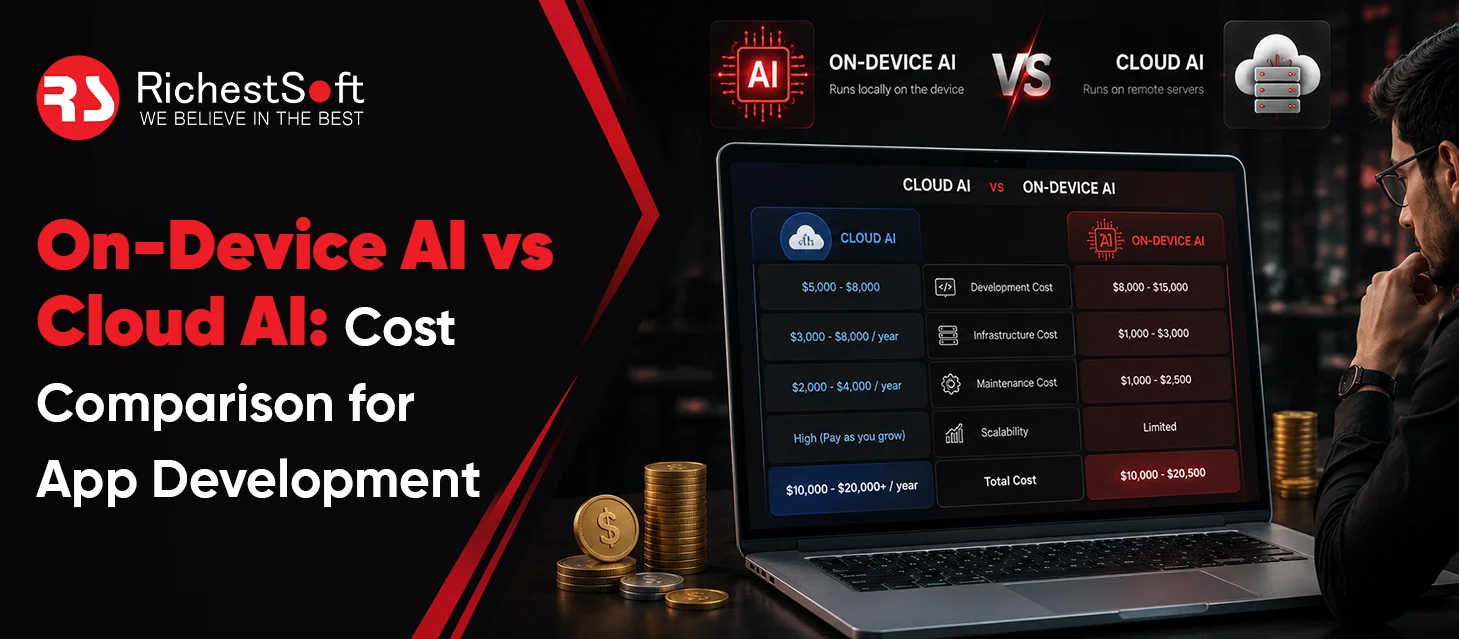
The cost of AI integration isn’t just about what it takes to build the feature — it’s also about what you keep paying after launch. Comparing both types of costs side by side gives a clearer picture than looking at development cost alone.
| Cost Factor | On-Device AI | Cloud AI |
|---|---|---|
| Initial Development Cost | Higher | Lower |
| Ongoing Usage Costs | Very Low | Ongoing Monthly Costs |
| Scalability Costs | More Predictable | Increases With Usage |
| Infrastructure Costs | Minimal | Server and API Costs |
| Long-Term Expenses | Lower | Can Grow Significantly |
On-Device AI
Building AI that runs directly on a user’s phone usually takes more work upfront, since the model has to be carefully optimized to run smoothly on limited device hardware — a phone simply doesn’t have the same processing power as a full server.
Cost impact:
- Higher upfront investment, since optimization takes real engineering time
- More work required before launch to make the model efficient enough for a device
- Very minimal ongoing costs, since there’s no server bill every time the AI feature is used
Cloud AI
Cloud AI is generally faster and cheaper to get up and running, since the heavy processing happens on external servers instead of the user’s device — there’s no need to shrink or optimize the model to fit on a phone.
Cost impact:
- Faster to deploy, since less optimization work is needed before launch
- Lower setup costs at the start
- Ongoing charges that scale with how much the feature is actually used — the more requests, the higher the bill
On-Device AI vs Cloud AI: Offline Access and Reliability
Internet connectivity plays a major role in determining which AI approach works best for your app, and each approach has real strengths and real tradeoffs, not just one clear winner.
On-Device AI
Benefits:
- Fully functional offline — features like face unlock, smart typing, and basic photo editing work completely without internet
- Consistent performance — no slowdown caused by network speed or signal strength
- No server dependency — nothing to go down on the provider’s end, since everything runs locally
- Works in remote locations — areas with weak or no connectivity are no obstacle
Limitations:
- Limited processing power — phones simply can’t match the memory and compute available in large data centers
- Struggles with heavy, complex tasks — advanced generative work or deep reasoning often requires more power than a device can provide
- Battery and heat constraints — intensive AI tasks can drain battery quickly and cause a device to throttle performance when it overheats
- Slower to update — improving or updating an on-device model across many devices takes more coordination than updating a single cloud model
Cloud AI
Benefits:
- Access to far more powerful models — cloud servers can run models with hundreds of billions of parameters, well beyond what any phone could handle
- Constantly updated and improved — the model can be upgraded centrally, and every user benefits immediately without needing a device update
- Handles complex, resource-intensive tasks well — advanced reasoning, large-scale content generation, and deep analytics are where cloud AI genuinely excels
- Scales easily across large user bases — the same infrastructure can serve many users at once, adjusting capacity as needed
Limitations:
- Requires a stable internet connection — functionality drops or stops entirely without one
- Performance depends on network quality — a slow or unstable connection directly affects response time
- Vulnerable to server outages — if the provider’s servers go down, every app relying on them is affected too
- Adds latency — even with a strong connection, there’s still a round trip to the server and back
Industries Where Offline Access Matters Most
For some industries, offline reliability is a real requirement, making on-device AI especially valuable:
- Manufacturing applications, where factory floors often have limited network access
- Field service apps used in remote areas with unreliable signal
- Rural deployments in regions with weak infrastructure
- Secure enterprise environments that intentionally restrict external network access
- Travel applications, since users are frequently offline or between networks
On-Device AI vs Cloud AI: Which Should You Choose for Your App?
When businesses add AI to their app, one question comes up often: Should we use on-device AI or cloud AI?
In most cases, the best answer is both. Many modern apps use a mix of on-device and cloud AI to deliver better performance, stronger privacy, and smarter features.
Why Businesses Choose a Hybrid Model
Both approaches have different strengths. Using them together helps you get the best results.
On-Device AI for Fast and Private Features
On-device AI runs directly on the user’s phone, so it can respond instantly without sending data to a server.
Best for:
- Face recognition
- Camera filters
- Predictive text
- Voice commands
- Biometric login
Because everything happens on the device, these features feel fast and can work even without internet access.
Cloud AI for Advanced Features
Cloud AI runs on powerful remote servers and is better for tasks that need more processing power.
Best for:
- AI chatbots
- Content generation
- Personalized recommendations
- Large-scale data analysis
- Advanced AI assistants
These features often require more computing power than a mobile device can provide on its own.
How to Decide Which One to Use
Instead of choosing one option for the entire app, look at each feature separately.
Does It Need Instant Responses?
If users expect immediate results, on-device AI is usually the better choice.
Examples:
- Face unlock
- Camera effects
- Voice recognition
- Real-time suggestions
Does It Handle Sensitive Information?
If the feature uses personal or confidential data, on-device AI can offer better privacy.
Examples:
- Healthcare apps
- Banking apps
- Identity verification
- Personal data processing
Does It Need Advanced AI Capabilities?
If the feature relies on powerful AI models, cloud AI is usually the better option.
Examples:
- AI chatbots
- Content writing tools
- Advanced search
- Data analysis
Does It Need to Work Without the Internet?
If users may be offline, on-device AI is often the only practical solution.
Examples:
- Travel apps
- Field service apps
- Remote work tools
- Manufacturing apps
Will Users Use It Frequently?
Features used frequently can become expensive if every request is processed in the cloud.
For high-usage features, on-device AI can help reduce long-term operating costs.
Start Building Your AI-Powered App with RichestSoft Confidence
Start Building Your AI-Powered App with RichestSoft Confidence
Conclusion
Not sure which AI approach is best for your app? Team up with RichestSoft, a top custom AI development company We help businesses build AI-powered apps that are fast, secure, and easy to scale. We turn AI ideas into real products.