+1 315 210 4488
 +91 99888 06489


August 12, 2026
Developing an educational app can take around 3 to 9 months, depending on the app type, number of features, design, technology, and development team. A simple learning app may take a few months, while an advanced platform with live classes, AI features, video lessons, and student dashboards can take longer.
Before starting development, businesses should understand what affects the timeline and which stages require the most time. This helps set realistic deadlines, manage the budget, and plan the launch properly.
In this guide, we’ll explain the average educational app development timeline, key factors that affect time, the complete development process, and practical tips to launch your app faster.
Build Your Educational App With RichestSoft
Build Your Educational App With RichestSoft
Educational App Development Timeline by App Type
The time needed to build an educational app depends on what you want the app to do. A simple learning app can be ready in a few months, while an app with live classes, AI, or advanced features takes longer.
1. Basic Educational App — 2 to 3 Months
A basic app is a good choice if you want to launch an MVP with only the most important learning features.
Features Included:
- User signup and login
- Lessons and learning materials
- Simple quizzes
- Student profiles
- Basic progress tracking
- Push notifications
2. E-Learning App — 3 to 5 Months
An e-learning app offers more tools for students to learn courses and track their progress.
Features Included:
- Online courses
- Video lessons
- Quizzes and assignments
- Student dashboard
- Progress tracking
- Certificates
- Online payments
3. Live Learning App — 4 to 6 Months
A live learning app takes more time because it needs features for teachers and students to communicate in real time.
Features Included:
- Live video classes
- Teacher and student profiles
- Live chat
- Class scheduling
- Attendance tracking
- Class notifications
4. AI-Powered Educational App — 5 to 8 Months
Adding AI features requires extra development and testing to make sure the AI works properly.
Features Included:
- AI learning assistant
- Personalized learning suggestions
- AI-generated quizzes
- Automated feedback
- Personalized learning plans
- Student performance insights
5. Advanced Educational Platform — 6 to 9+ Months
A large educational platform takes the most time because it combines many features and may support students, teachers, and administrators.
Features Included:
- Student, teacher, and admin panels
- Live and recorded classes
- Course management
- AI learning features
- Payments and subscriptions
- Detailed analytics
- Multiple languages
- Third-party integrations
Key Note: These timelines are general estimates. The actual development time depends on the number of features, app design, team size, technology, and project requirements.
Factors Influencing Educational App Development Timeline
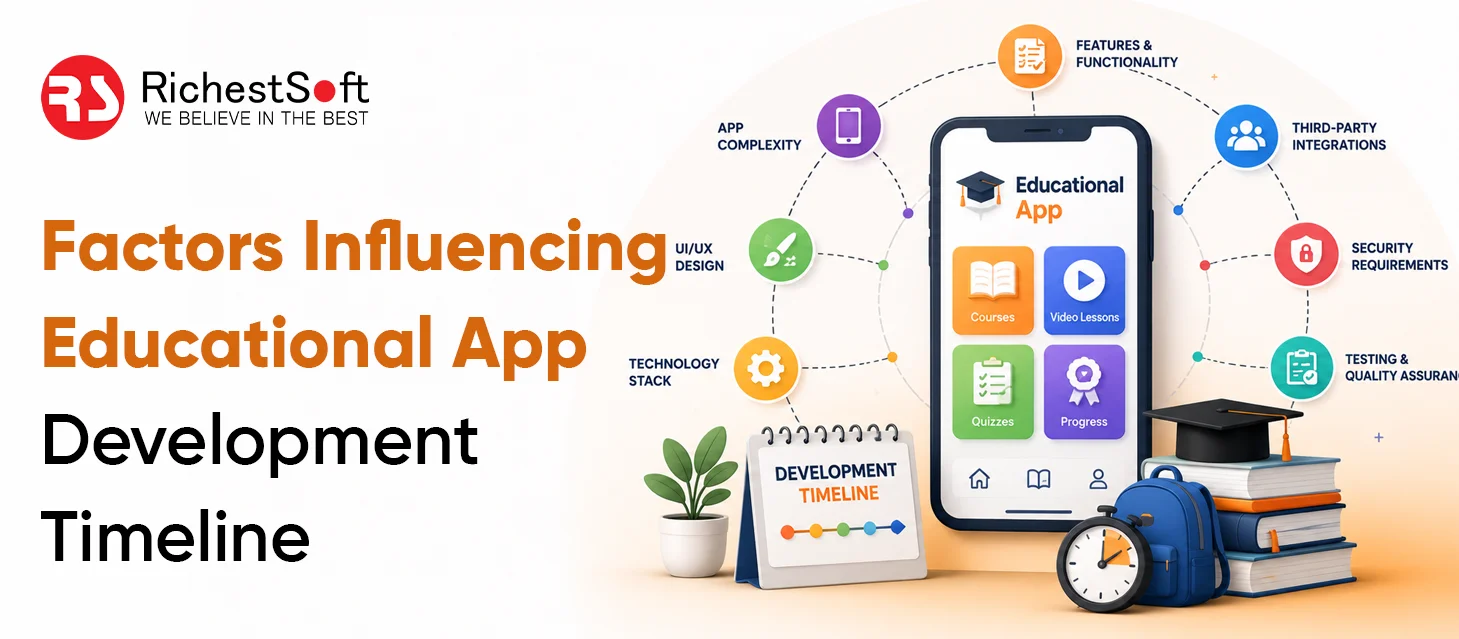
Every educational app is different, so the development time can also vary. A simple app with basic learning features can be built faster, while an advanced app with AI, live classes, and multiple user panels needs more time.
Number of Features
The number of features directly affects how long the app takes to build.
For example, a simple lesson section may take less time, while features like live classes, payments, AI tools, and advanced dashboards need more development work.
App Design
The design of the app also affects the development timeline. A simple design is usually faster to create than a fully customized interface.
Development can take longer if you need:
- Custom app screens
- Animations
- Interactive features
- Different designs for students and teachers
- Designs for different devices
AI Features
AI can make an educational app more useful, but adding AI takes extra time for development and testing.
Common AI features include:
- AI tutor
- Personalized learning suggestions
- Automatic feedback
- AI-generated quizzes
- Student performance analysis
Third-Party Integrations
Educational apps often connect with other tools and services. Each connection needs additional setup and testing.
Common integrations include:
- Payment gateways
- Video calling tools
- Cloud storage
- Email services
- Push notifications
Platforms You Want to Support
Building an app for one platform usually takes less time than supporting several platforms.
You can choose:
- Android
- iOS
- Web
- Cross-platform
If you want the app to work on multiple platforms, developers need extra time to test and improve it on each one.
Testing and Bug Fixing
Before launch, the app needs to be tested to make sure everything works properly.
Testing usually covers:
- Login and registration
- Videos and classes
- Payments
- AI features
- App speed
- Different devices
- Security
More features usually mean more testing time.
Changes During Development
Changing the app’s features or design again and again can delay the project.
To avoid unnecessary delays:
- Finalize the main features early.
- Approve the design before development starts.
- Avoid major changes during development.
- Keep regular communication with the development team.
Clear planning from the beginning can help you launch your educational app on time.
Educational App Development Timeline, Stage by Stage
Building an educational app involves several steps. Each stage has a different purpose, from planning the idea to testing and launching the final app. A clear process helps the development team avoid delays.
1. Planning and Research
The first step is to decide what the app will offer and who will use it.
This stage includes:
- Defining the target users
- Choosing the main features
- Studying similar apps
- Planning the budget
- Creating the development roadmap
2. UI/UX Design
Once the plan is ready, designers create the look and feel of the app.
This stage includes:
- Creating app screens
- Designing the user journey
- Preparing wireframes
- Creating the final UI design
- Making the design easy to use
3. Development
This is where developers turn the approved designs into a working app.
Development may include:
- Student and teacher panels
- Course and lesson features
- User accounts
- Backend development
- Payment integration
- AI or live learning features
4. Testing
The app is tested to find and fix problems before it reaches users.
The team checks:
- Features and buttons
- App speed
- Videos and live classes
- Payments
- Login and registration
- Different devices
- Security
5. Launch
After testing is complete, the app is prepared for release.
The team handles:
- Final improvements
- App store submission
- Server setup
- Final security checks
- Launch preparation
6. Maintenance and Updates
Development does not completely stop after launch. The app needs regular updates to keep working properly.
Ongoing work includes:
- Fixing bugs
- Updating features
- Improving performance
- Adding new learning content
- Updating security
- Supporting new device versions
Tips to Speed Up the Educational App Development Time
A shorter development timeline does not mean skipping important steps. Good planning and clear requirements can help reduce unnecessary work and get your app to market faster.
1. Start With the Most Important Features
Don’t try to build everything at once. Start with the features users need most.
Focus first on:
- Login and registration
- Learning content
- Course access
- Basic progress tracking
- Important user features
You can add advanced features after the first version is launched.
2. Finalize Requirements Early
Changing features during development can create delays.
Before development starts:
- Finalize the main features
- Prepare the user flow
- Approve the app design
- Decide the technology
- Set clear project goals
3. Build an MVP First
An MVP includes the basic features needed to launch the app.
Benefits include:
- Faster launch
- Lower initial cost
- Earlier user feedback
- Easier testing of the business idea
- Less development work at the beginning
4. Use Ready-Made Features Where Possible
You don’t need to build every technical feature from scratch.
Ready-made services can help with:
- Payments
- Video calls
- Push notifications
- Cloud storage
- User authentication
- Analytics
This can save development time and effort.
5. Choose the Right Development Team
An experienced team can understand requirements faster and avoid common development mistakes.
Look for a team with experience in:
- Educational apps
- AI integration
- Backend development
- UI/UX design
- App testing
- Third-party integrations
6. Keep Communication Clear
Poor communication can lead to repeated changes and delays.
To keep the project moving:
- Share requirements clearly
- Give feedback on time
- Hold regular project meetings
- Approve designs quickly
- Keep all project decisions documented
7. Test During Development
Don’t wait until the very end to test the entire app. Testing features as they are developed helps developers find problems earlier and fix them faster.
8. Plan for Future Features
Decide which features can be added later instead of trying to launch everything at once. This keeps the first version simple while giving the app room to grow as users provide feedback.
Build Your Educational App With RichestSoft
Build Your Educational App With RichestSoft
Conclusion
Looking to build an educational app without unnecessary delays? Team Up with RichestSoft, the best education app development company! We help businesses launch educational apps on time with the right planning, clear requirements, and experienced development expertise. From basic learning apps to AI-powered platforms, RichestSoft helps businesses build reliable and scalable educational solutions based on goals.