+1 315 210 4488
 +91 99888 06489


August 12, 2026
Cloud migration is the structured process of moving digital assets, applications, databases, and IT processes from on-premises infrastructure to a cloud environment such as AWS, Azure, or Google Cloud. It requires careful planning to scale resources effectively, strengthen security, and optimize long-term operational costs.
But the real question for most businesses isn’t whether to migrate—it’s how to do it successfully without disrupting operations. That’s where RichestSoft can help. With expertise in cloud migration and modern application development, RichestSoft helps businesses plan, move, and optimize cloud infrastructure based on specific needs.
In this guide, we’ll cover everything you need to know about cloud migration, including the key steps, common challenges, best practices, and how to make the transition smoother.
Start Your Cloud Migration With RichestSoft
Start Your Cloud Migration With RichestSoft
What Is Cloud Migration?
Cloud migration means moving your business’s digital stuff- apps, data, databases, and IT systems- from your own physical servers (on-premises) to a cloud provider like AWS, Microsoft Azure, or Google Cloud, where everything runs on their infrastructure instead of yours.
Think of it like moving from owning and maintaining your own building to renting space in a much bigger, professionally managed facility. The cloud provider manages the underlying physical infrastructure, while your business remains responsible for data, access controls, application security, configurations, and other responsibilities defined by the cloud service model..
What Actually Gets Moved
Cloud migration can involve moving several different things, depending on what a business needs:
- Applications– the software your business runs, moved with anywhere from no changes at all to a complete rebuild
- Data– databases, files, and storage systems moved to cloud-based equivalents
- Workloads– the actual processing and computing tasks your systems perform
- IT Infrastructure– the broader systems and services that support your operations
Why It’s Not Just “Copy and Paste”
Moving to the cloud isn’t as simple as transferring files from one place to another. It takes real planning- deciding what to move, how to move it, and in what order- to avoid business disruption, keep systems secure, and actually get the cost and performance benefits the cloud is supposed to offer.
Key Steps in the Cloud Migration Process
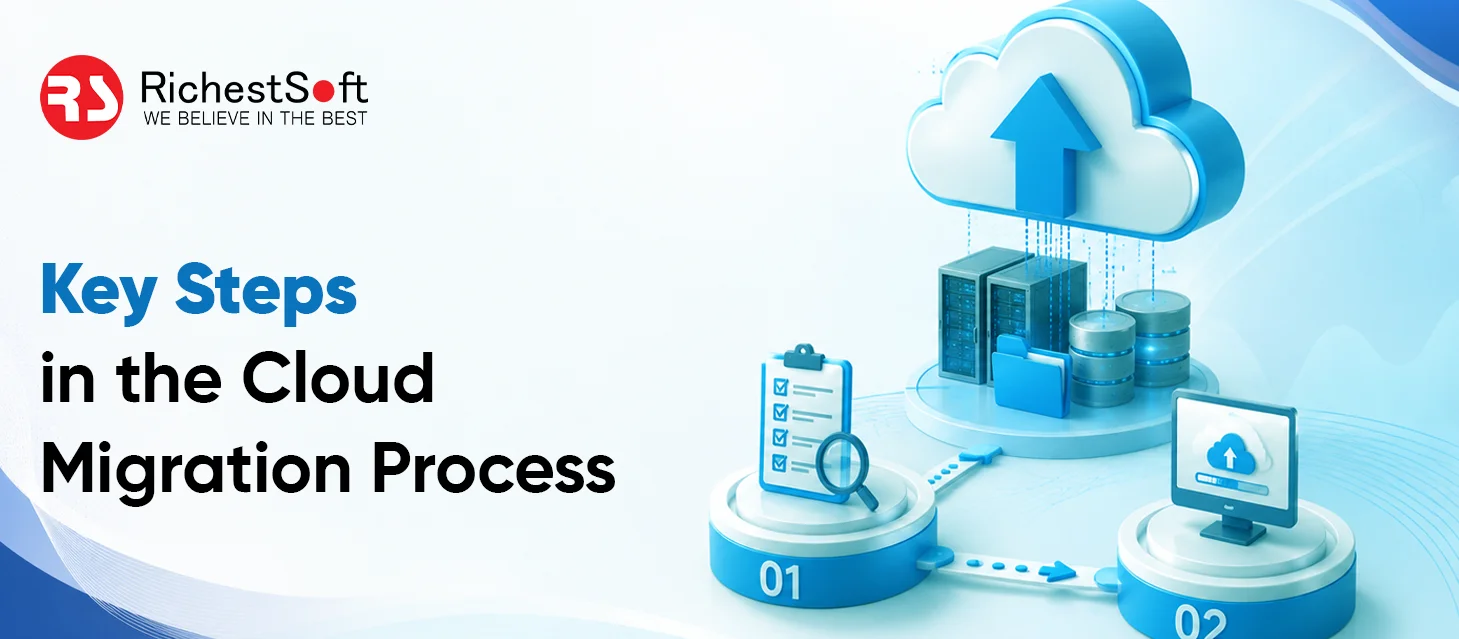
Cloud migration should be done step by step. A clear process helps businesses avoid data loss, unexpected costs, security problems, and unnecessary downtime.
1. Check Your Current IT Systems
Before moving to the cloud, understand what you already have.
Check:
- Applications and software
- Servers and databases
- Important business systems
- Connections between different systems
- Security and compliance requirements
This helps you decide what should be moved and what may need to be updated first.
2. Set Clear Migration Goals
Decide what you want to achieve by moving to the cloud.
Common goals include:
- Reducing IT costs
- Improving system performance
- Supporting business growth
- Improving security
- Making systems easier to manage
Clear goals help you choose the right cloud solution.
3. Choose the Right Cloud Model
Businesses can choose between public, private, or hybrid cloud environments.
- Public cloud: Resources are provided by a cloud provider and shared across customers.
- Private cloud: Cloud resources are dedicated to one business.
- Hybrid cloud: Combines public and private cloud environments.
The right option depends on your budget, security needs, business size, and compliance requirements.
4. Choose a Migration Strategy
Not every application needs to be moved in the same way. Review each system and decide the best approach.
For example, you can:
- Move an application as it is
- Make small changes before moving it
- Redesign it for the cloud
- Replace an old application
- Keep some systems where they are
Choosing the right strategy helps reduce risks and unnecessary costs.
5. Plan and Start the Migration
Create a clear migration plan before moving your systems.
The plan should include:
- Which systems will move first
- Migration timelines
- Team responsibilities
- Data backup plans
- Possible downtime
- Testing requirements
Starting with less critical systems can help your team identify and fix problems before moving important business applications.
6. Test Everything After Migration
Once a system is moved, test it carefully to make sure everything works properly.
Test:
- Application performance
- Data accuracy
- Security
- User access
- System integrations
- Website or app functionality
Testing helps find problems before they affect customers or employees.
7. Optimize and Monitor the Cloud Environment
Cloud migration does not end when your systems are moved. Keep monitoring and improving the environment.
Ongoing tasks include:
- Monitoring system performance
- Controlling cloud costs
- Updating security settings
- Removing unused resources
- Taking regular backups
- Fixing performance issues
Regular monitoring helps businesses get more value from their cloud investment over time.
Key Benefits of Cloud Migration for Businesses
Explore these key benefits of cloud migration.
1. Reduces Infrastructure Costs
Businesses do not need to buy and maintain as many physical servers when they move to the cloud.
- Lower hardware and maintenance costs
- Less spending on electricity and infrastructure
- Pay for the resources you actually use
2. Makes Business Growth Easier
Cloud resources can be increased or reduced based on business needs.
- Quickly handle more users and traffic
- Scale down when demand is lower
- Avoid buying expensive hardware in advance
3. Improves Backup and Reliability
Cloud platforms provide tools that help keep business systems and data available.
- Regular data backups
- Better disaster recovery
- Reduced risk of long downtime
- Improved system availability
4. Provides Access to Modern Technology
Cloud providers offer advanced tools without requiring businesses to build everything themselves.
- AI and automation tools
- Modern security features
- Advanced monitoring and analytics
- Updated cloud infrastructure
5. Improves Security
Leading cloud platforms provide strong security features that businesses can use to protect their systems and data.
- Regular security updates
- Access controls and encryption
- Threat monitoring
- Security management tools
6. Helps Businesses Stay Competitive
Cloud technology helps businesses work faster and respond to changing customer and market needs.
- Faster deployment of applications
- Easier access to new technologies
- More flexible IT operations
- Better support for digital growth
Cloud Migration Strategies: The 7 R’s
Not every application should move to the cloud the same way- some just need to be relocated as-is, while others need to be rebuilt from scratch. The 7 R’s framework gives businesses a structured way to determine the right approach for each workload, rather than applying a single blanket strategy across the board.
1. Rehost
Moving an application to the cloud with little to no changes- often called “lift and shift.”
- Fastest and simplest way to get started
- Requires limited cloud expertise
- Good for organizations just beginning their cloud journey
2. Relocate
Moving virtualized workloads directly into a cloud environment while keeping existing infrastructure and configurations intact.
- Especially useful for businesses already using virtualization technology
- Eliminates data center costs while keeping a familiar operational setup
- A fast path to cloud adoption for tightly integrated systems
3. Replatform
Making some modifications to an application during migration- often upgrading the supporting infrastructure while keeping the core application mostly unchanged.
- Balances migration speed with real optimization opportunities
- A middle ground between a simple rehost and a full rebuild
4. Refactor
Rewriting or restructuring an application to be fully cloud-native.
- Unlocks the most benefits of the cloud (scalability, performance, cost efficiency)
- Requires significant time, resources, and specialized skill
- Can cause temporary business disruption during the rebuild
5. Repurchase
Retiring an existing legacy application and replacing it with a new, cloud-based solution- often a SaaS platform.
- Common example: moving from a custom on-premises CRM to a platform like Salesforce
- Reduces the number of custom applications a business has to manage internally
- Works well when an old system no longer fits current business needs
6. Retire
Identifying applications that are no longer needed and shutting them down instead of migrating them.
- Reduces complexity and cost by not moving things that don’t need to exist anymore
- A useful outcome of a thorough infrastructure assessment
7. Retain
Choosing to keep certain systems on-premises rather than migrating them at all.
- Ensures compliance with strict legal or regulatory requirements
- Avoids unnecessary migration costs for systems that aren’t cloud-ready
- Keeps highly sensitive applications stable where they already work
Common Challenges of Cloud Migration for Businesses
Cloud migration means moving business data and systems to the cloud. It can make work easier and more flexible, but there are some common problems businesses may face. Knowing these in advance can help avoid extra costs, delays, and issues.
1. Unexpected Cloud Costs
Cloud expenses can go up if resources are not used properly.
- Extra storage or servers that are not needed
- High charges for moving data
- Extra monitoring fees
- Using more cloud services than required
2. Data Security Risks
Data must be kept safe while moving to the cloud and after it is stored there.
- Use safe and secure data transfer methods
- Protect data with encryption
- Allow access only to trusted users
- Keep checking cloud activity
3. Business Downtime
If migration is not planned well, business work may stop or slow down.
- Move systems step by step
- Test everything before switching fully
- Do migration during less busy hours
- Keep backup copies ready
4. Lack of Cloud Skills
Some companies may not have workers who know cloud systems well. This can cause mistakes or delays.
Solution: Train employees or hire cloud experts.
5. Legacy System Problems
Old software may not work well in the cloud. It may need updates or changes before moving.
6. Employee Training
New cloud systems can be confusing at first. Employees need proper training to use them easily.
7. Integration Issues
Different tools and systems may not connect properly after migration if not checked in advance.
Start Your Cloud Migration With RichestSoft
Start Your Cloud Migration With RichestSoft
Conclusion
Ready to simplify your cloud migration? Team up with RichestSoft! We help businesses migrate apps and systems to the cloud smoothly. We have strong expertise in moving apps and systems to AWS, Azure, and Google Cloud in a safe, smooth, and reliable way.