+1 315 210 4488
 +91 99888 06489


July 1, 2026
AI browser agents are autonomous programs powered by Large Language Models (LLMs) that navigate the web, interpret visual layouts, and execute multi-step tasks like a human.
AI Browser Agents Development requires proper planning, selecting the right technologies, designing reliable workflows, and implementing safety controls.
In this complete guide, we’ll walk through the step-by-step process for developing AI browser agents and explain the key components required to build scalable, future-ready solutions.
Build Intelligent AI Browser Agents with RichestSoft Experts
Build Intelligent AI Browser Agents with RichestSoft Experts
What is an AI browser agent, & How does it work?
AI browser agents can utilize web browsers like humans. Instead of only answering questions like a chatbot, it can browse websites, click buttons, fill out forms, search for information, and do activities automatically from user directions.
These agents employ AI and browser automation to save time and decrease human tasks.
How Do AI Browser Agents Work?
AI browser agents constantly comprehend, reason, and act. They examine the website, determine what to do, do it, and repeat till the work is done.
Takes User Instructions
Users say what they want in natural language. They may ask the agent to price products, schedule appointments, or complete online forms. The agent turns instructions into actions.
Understands Web Page
The agent analyzes web pages and finds buttons, forms, menus, and links. It learns where and how to use the website.
Plan Next Steps
The agent analyses the problem and selects the action sequence to accomplish the desired outcome instead of following scripts. It is more versatile than standard automation tools.
Performs Browser Actions
The agent can:
- Click buttons and links.
- Fill out forms.
- Enter login credentials.
- Scroll pages.
- Search websites.
- Download files.
- Move across multiple tabs.
These actions allow it to complete tasks much like a human user would.
Uses Memory and Context
Advanced browser agents remember previous actions and maintain context throughout a session. This helps them perform multi-step tasks more efficiently and avoid repeating work.
Integrates With External Tools
AI browser agents can connect with databases, CRMs, email services, calendars, payment systems, and APIs. This enables them to automate complete workflows rather than isolated browser tasks.
Learns From Feedback
The agent continuously verifies whether tasks are completed successfully. If errors occur, it can adjust its actions or request human assistance when needed.
Common Use Cases of AI Browser Agents
Businesses use AI browser agents for:
- Data extraction and web research.
- Form filling and document processing.
- Customer support automation.
- Browser-based workflow automation.
- Quality assurance and testing.
- Competitive analysis and lead generation.
- Managing repetitive administrative tasks.
These capabilities make AI browser agents a powerful solution for businesses looking to automate web-based operations and improve efficiency.
Popular Examples of AI Browser Agents
Several brands have already introduced browser agents and AI-powered browser automation tools:
- OpenAI Operator – Performs web tasks using AI-powered browser interaction.
- ChatGPT Agent Mode – Allows ChatGPT to complete browser-based workflows.
- Manus AI – Autonomous AI agent capable of executing multi-step web tasks.
- Browser Use – Open-source framework used for AI browser automation.
- Google Project Mariner – Google’s experimental browser agent platform.
- Microsoft Copilot Agents – AI agents that automate workflows across web applications.
- Amazon Nova Act – AI-powered browser automation solution.
These platforms demonstrate how AI browser agents are evolving from simple assistants into intelligent systems capable of handling complex web tasks autonomously.
Step-by-Step Process of AI Browser Agents Development
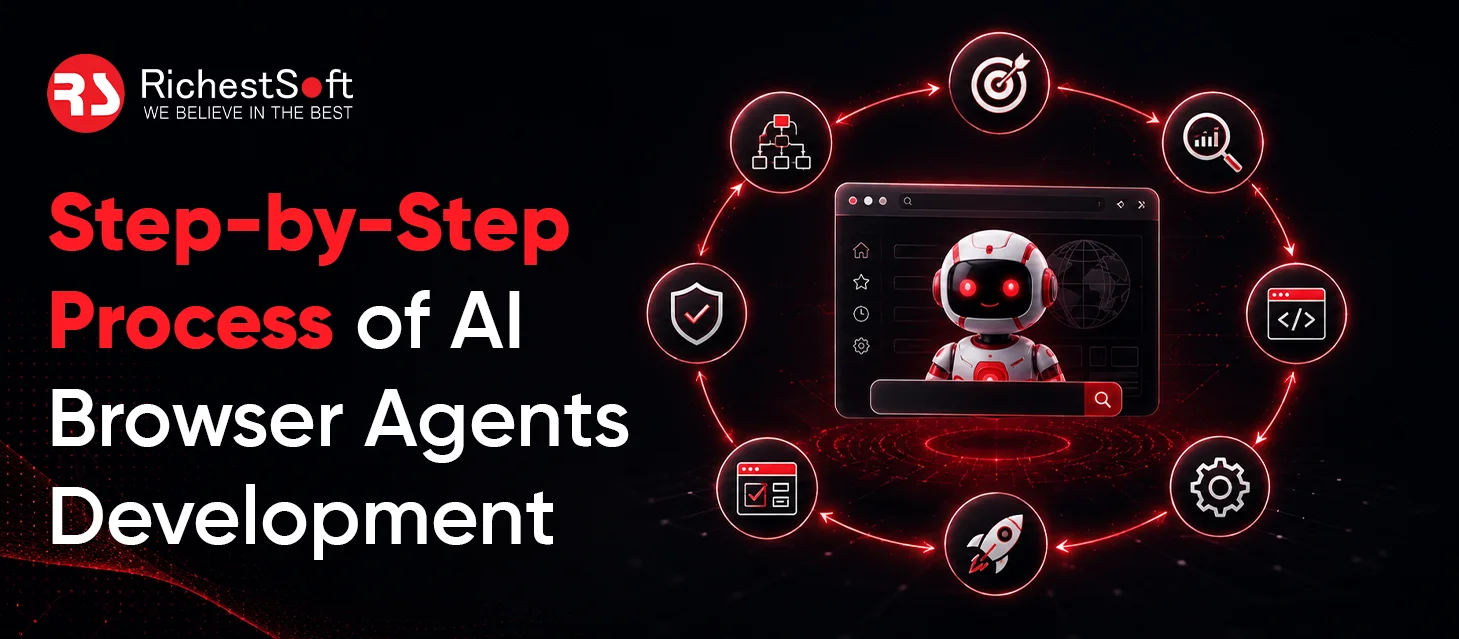
To develop an AI browser agent, businesses need the right combination of artificial intelligence, browser automation, memory systems, and external tools into a unified workflow. Follow this structured development approach to build a reliable AI browser agent:
Define the Agent’s Purpose and Use Cases
Initiate by determining what tasks the browser agent should perform. Some agents are for online research, data extraction, form completion, customer service, or process automation. Define the use cases to define features, integrations, and AI capabilities.
Gather User Workflows and Requirements
Plan user interactions with the agent before development. The agent’s sequence of activities, data type, and automation degree must be understood. This streamlines workflow.
Select the Right AI Model
AI models act as the brain of browser agents. Businesses need to choose models based on reasoning ability, context understanding, and task complexity. The right model enables the agent to interpret instructions, make decisions, and adapt to different scenarios.
Select Browser Automation Frameworks
Browser automation frameworks let agents access webpages. Playwright, Puppeteer, and Selenium let agents click buttons, traverse sites, input data, and execute other browser activities like humans.
Agent Architecture Design
Multiple components form an AI browser agent. Reasoning systems, memory layers, action execution modules, and feedback mechanisms. A well-designed architecture helps agents complete tasks and manage unforeseen events.
Integrate External Tools and APIs
Search engines, databases, CRM systems, email tools, and payment gateways are needed by most browser agents. API integration lets agents conduct processes instead of browser activities.
Manage Memory and Context
The agent uses memory to remember actions and maintain context during a session. This speeds up multi-step processes and personalizes the experience based on user preferences and prior interactions.
Add Security and Permission Controls
Browser agents access sensitive data, thus security is crucial. Access restrictions, authentication, and human approval safeguard user data and prevent unwanted access.
Agent Training and Optimization
After building basic functionality, developers enhance prompts, processes, and edge cases. Continuous optimization improves accuracy, reduces mistakes, and helps agents finish jobs.
Test Multiple Scenarios
Comprehensive testing ensures the agent acts well under various settings. Functional, performance, and security testing detect flaws before deployment and increase dependability.
Upgrade & Improve
The browser agent goes into production after testing. Monitoring user interactions, analyzing logs, and collecting feedback help organizations enhance the agent and add new features as needed.
Conclusion
Ready to build AI browser agents? This is exactly when RichestSoft can help!
We have 15+ years of experience in creating custom AI agents that can browse websites, perform actions, integrate with external tools, and automate repetitive workflows. From strategy and architecture design to development, testing, and deployment, our team helps businesses create scalable AI solutions that deliver long-term value and productivity gains.