+1 315 210 4488
 +91 99888 06489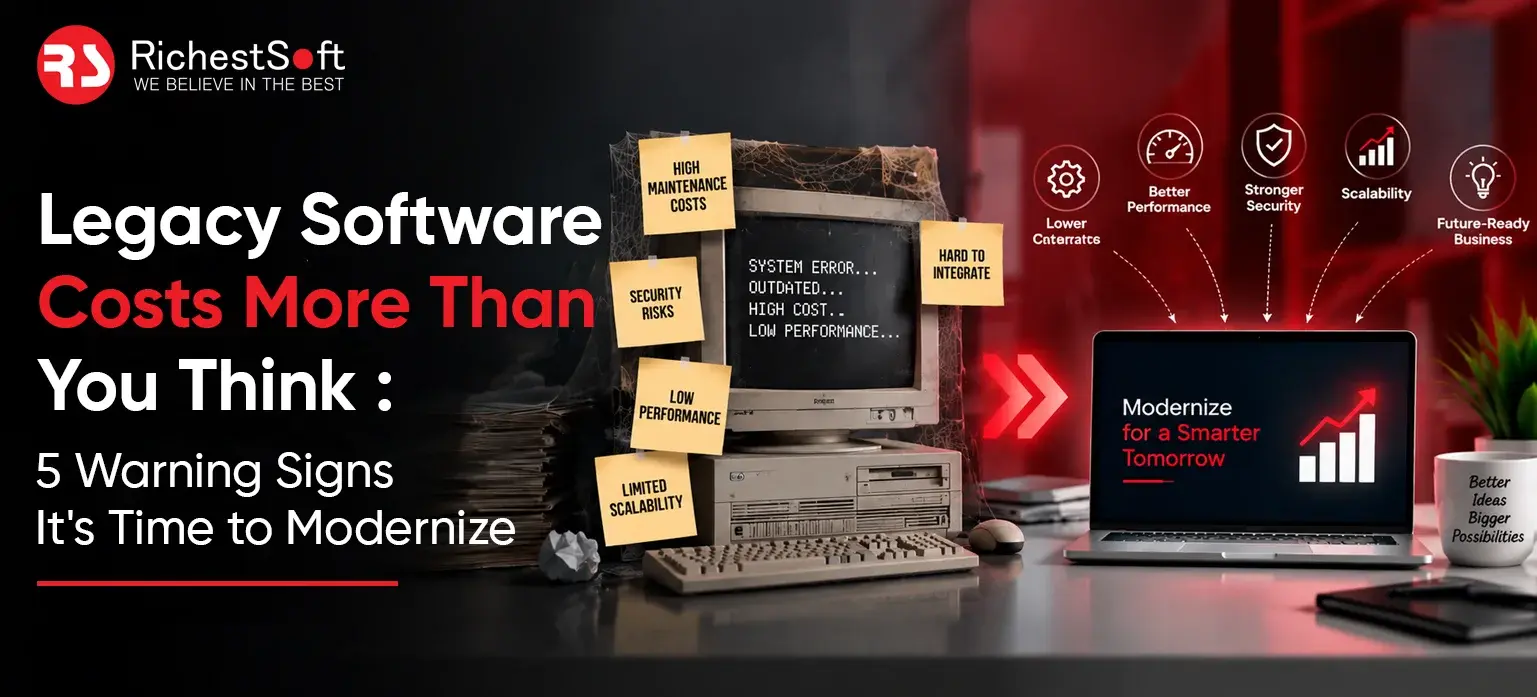


September 17, 2026
Nobody notices the exact moment their software turns from an asset into a liability. It’s gradual. A report that used to load in seconds now takes minutes. A sales rep mutters that the CRM “froze again.” A developer sighs before opening a particular file. None of it looks urgent on its own. Stack it all up, though, and the picture gets clear fast the system is dragging the business down, not carrying it forward.
The Hidden Cost of Legacy Software
Here’s the thing nobody likes to admit: ignoring these signals doesn’t actually save money. It just hides the cost somewhere harder to see. A support ticket that eats an extra hour never shows up as “technical debt” on a balance sheet. Neither does the engineer who burns three days untangling a decade-old integration instead of shipping something that would’ve generated revenue. Add that up across a year, and the number stops being abstract.
That’s why software modernization now sits permanently on enterprise roadmaps, not as a nice-to-have project but as a recurring budget line. Gartner, IDC, and McKinsey have all landed on roughly the same conclusion, independently: companies that keep postponing legacy system upgrades tend to pay two to three times more once the system finally forces the issue usually mid-outage, mid-audit, or mid-breach, which is a terrible time to start planning.
Worth asking, then: is the fix a targeted refactor, or does the whole thing need rebuilding? Our business technology consulting services exist precisely to answer that question before any budget gets committed. DXC Technology, for one, lays out its DXC applications modernization approach in some detail — re-platforming, containerization, the works — and it’s a decent reference point regardless of which vendor ends up doing the work.
Sign 1 & 2: Sluggish Performance and UI/UX That Drives People Away
When Speed Becomes the Problem
Performance problems rarely announce themselves with a bang. They wear down trust in small increments instead. A monthly reporting CSV that used to generate in 45 seconds now takes 12 minutes, because nobody indexed the database for the volume it handles today. A checkout that used to take three taps now needs a mid-flow page refresh. Small stuff, sure. But it compounds.
What this usually looks like in practice:
- Database queries that get slower sometimes a lot slower as data volume grows, instead of holding steady
- Batch jobs built for overnight runs that now spill into business hours
- API response times creeping past the 2-3 second mark, right where user abandonment starts climbing
- Memory leaks bad enough that someone’s added a recurring calendar reminder just to restart the server
The UI/UX Problem Nobody Budgets For
Employees are resourceful. Give them a bad interface and they’ll build a workaround and that workaround quietly becomes its own form of operational debt. A finance team exporting everything into Excel because the native reporting screen is unusable. A support agent keeping a personal cheat sheet taped to the monitor because the ticketing system’s navigation makes no sense to anyone. Multiply that by every employee doing something similar, and productivity loss stops being occasional. It becomes structural.
Customers, notably, don’t build workarounds. They just leave. Baymard Institute’s research on checkout flows has repeatedly shown that friction alone drives a sizable chunk of abandoned transactions, and that bar keeps rising, set by Amazon, Shopify, and Stripe, whose interfaces have become the unspoken benchmark everyone gets measured against. Fair or not. (If Stripe’s own checkout is part of what you’re being measured against, our Stripe integration services can help close that specific gap.)
Sign 3 & 4: Integration Headaches and Runaway Maintenance Costs
Why Modern Tools Won’t Talk to Old Systems
Here’s the technical part, stripped down. Take a ten-year-old ERP running on a monolithic architecture — say, an aging Dynamics 365 instance nobody’s touched the integration layer of in years — nobody designing it back then had REST APIs, webhooks, or OAuth2 anywhere on their radar, because those weren’t the standards yet. Now try wiring it up to Salesforce or HubSpot, a cloud warehouse like Snowflake, or an AI layer sitting on OpenAI’s or Anthropic’s APIs. Usually, custom middleware gets bolted on to make the two sides understand each other. Which sounds like a fix. It is, for a while. Then that middleware turns into its own maintenance problem a year or two down the road, and someone’s back to square one.
Where integrations tend to break:
- Old SOAP-based endpoints that need a translation layer before they’ll cooperate with JSON-first APIs
- Authentication protocols older than OAuth2, patched together with brittle workaround scripts
- Data models that refuse to map cleanly onto modern CRM or ERP schemas, spitting out sync errors
- Batch-only data exchange, when what the business actually needs now is real-time sync
Enterprises pushing into AI-driven automation feel this one hardest. Trying to connect a large language model to a system that can’t expose clean, structured data through an API? Picture running fiber-optic cable into a rotary phone jack. Technically possible, maybe. Worth the effort involved? Rarely. This is exactly the gap our AI integration services and ChatGPT integration services are built to close — connecting modern AI layers to legacy cores without forcing a full rebuild.
The Slow Bleed of Maintenance Spend
Ask any CTO what share of the IT budget goes to “keeping the lights on” versus building anything new, and watch the expression change. Gartner’s long-standing estimate puts most enterprise IT spend into maintaining what already exists, not building what’s next — and for companies still running legacy platforms, that ratio tilts even further out of balance.
The pattern tends to play out like this:
- Bug fixes take longer, because the people who built the system left years ago and documentation is thin at best
- Every patch risks breaking something unrelated, thanks to tight, undocumented coupling nobody fully understands anymore
- Specialized legacy skills COBOL, older Java frameworks, unsupported .NET versions get expensive and hard to source
- OpEx quietly swallows CapEx, leaving almost nothing left over for anything strategic
Big names in the consulting world Accenture, Capgemini, IBM Consulting have effectively built whole practice lines around fixing this exact imbalance, pulling client budgets away from constant firefighting and pointing them somewhere more useful. Infosys and TCS report similar patterns from their own engagements: companies that get ahead of modernization instead of reacting to it typically shave 20 to 30 percent off maintenance costs within a couple of years. That’s not marketing fluff, either it’s budget that stops disappearing into patchwork and starts funding actual product work. (If sourcing that legacy expertise in-house is the blocker, our offshore development center model is built for exactly this dedicated teams who specialize in unglamorous but critical maintenance work.)
Sign 5: Security Debt and the 2026 Compliance Cliff
This is the one that should keep leadership up at night. It’s also, somehow, the one that keeps getting pushed to next quarter.
Software running on unsupported frameworks doesn’t just sit there getting old it gets more dangerous with every week that passes. The moment a vendor drops support for a framework version, that’s it, no more patches. And no patches means any vulnerability discovered afterward just stays open. Indefinitely. Attackers aren’t guessing where to find this stuff, either they know exactly which frameworks stopped getting updates and go looking.
A handful of pressures are stacking up as 2026 approaches:
- GDPR, HIPAA, and PCI DSS 4.0 enforcement is getting sharper, and companies still running unpatched or end-of-life software are increasingly the ones getting caught in it this hits healthcare and fintech platforms especially hard; see our healthcare software development work for how we handle HIPAA-bound legacy modernization specifically
- Cyber-insurance carriers have started tightening their language, and some policies now flatly exclude coverage when a breach traces back to a vulnerability that was already known and simply never patched
- Attack tooling has gotten more automated and more targeted, actively scanning for legacy CMS installs, outdated PHP or Java versions, unpatched Windows Server boxes the usual suspects
- Client and partner due-diligence checklists now routinely ask for SOC 2 or ISO 27001 compliance, something a lot of aging systems simply can’t produce
Cognizant and Wipro have both pointed to security modernization as one of the fastest-growing pieces of their consulting business right now, and that tracks with what’s happening on the ground. A breach that gets traced back to a library three versions out of date doesn’t just cost whatever it takes to fix it drags reputational damage and regulatory fines along with it, and suddenly the original upgrade looks like a bargain in hindsight. Try explaining that library to a board after the fact. Not a meeting anyone wants on their calendar.
Modernization Without Stopping the Business
So the system needs work clearly. Does that mean tearing it down and starting fresh? Usually not, and that instinct, while understandable, is often the expensive mistake.
Full rewrites drag on, cost more than planned, and carry risk that rarely shows up in the original estimate. Enough “let’s just rebuild it from scratch” projects have gone over budget, missed their launch date, or been quietly abandoned once the real scope surfaced that the pattern’s well documented. What tends to work better and what most modernization providers steer clients toward once they’ve seen enough of these projects go sideways is treating the legacy system as something worth evolving rather than tearing down. Our own full-cycle software development approach follows this same staged philosophy.
In practice, that usually breaks down into a few moves:
- Incremental refactoring — start with whatever module causes the most pain: reporting, an integration layer, whatever’s flooding the support queue. Don’t touch the rest yet.
- Strangler-fig migration — route traffic away from the old monolith and toward new microservices a bit at a time, until there’s nothing left of the legacy core to retire. The business keeps running through all of it.
- API-first middleware — build a clean API layer that lets modern tools, AI models, CRMs, analytics platforms actually talk to the legacy core without forcing a rebuild. It buys time to do the bigger transition properly.
- Phased cloud migration — move workloads to AWS, Azure, or Google Cloud a stage at a time via our cloud application development services, checking each one works before touching the next, instead of betting everything on one all-or-nothing cutover weekend.
Large modernization practices at Capgemini, TCS, and DXC Technology tend to structure their engagements around exactly this staged approach. Not because phased delivery sounds impressive in a pitch deck, but because it keeps the business running while the architecture underneath finally catches up.
And that’s really the signal worth watching for — not one dramatic failure, but the pileup of small ones. The slow report. The frustrated employee. The integration nobody wants to touch. The security patch that keeps slipping to “next sprint.” Forgivable on their own. Together, they’re about as clear a signal as it gets: the system built for yesterday’s business won’t carry tomorrow’s.