+1 315 210 4488
 +91 99888 06489


February 11, 2026
Multimedia content is key to any modern chat app’s success. And why not! People prefer sharing photos, videos, voice notes, and documents while chatting. If you are looking to invest in a WhatsApp clone, keep in mind to carefully handle the multimedia content in messaging apps.
But doing so isn’t always simple. Large files can impact message speed, use a lot of storage, and slow down the application, which might impact user experience. Therefore, any multimedia content, including voice messages, video uploads, and image sharing, should be managed carefully. Wondering how?
Keep reading this post! Below, we have shared a detailed guide on how to manage multimedia content in a WhatsApp clone app in a simple and easy way.
A Glimpse of Multimedia Content
Multimedia content integration is essential for WhatsApp clone app development. This covers documents, voice notes, videos, and images. Chat apps are more enjoyable and practical for everyday conversations because of these capabilities.
Multimedia content in messaging apps facilitates greater idea expression. A voice note can save typing time, a video can tell a tale, and a picture can capture a moment.
Common types of multimedia content in messaging apps include:
- Images like selfies, screenshots, and memes
- Videos for short clips and important moments
- Voice notes for quick and easy messages
- Files like PDFs, Word files, and presentations
- Stickers and GIFs for fun and emotions
Every kind of media requires safe storage, seamless downloads, and quick uploads. When everything functions properly, consumers stay engaged and love the software.
Importance of Multimedia in User Engagement
Rich content encourages users to spend more time on the app, maintains their attention, and fosters trust. Want to know how? Explore the points below to understand the importance of multimedia in user engagement:
Makes Discussions More Personal and Real
Images, videos, and audio notes add emotion and significance to conversations. This enhances the ability to express emotions and makes chats more like face-to-face interactions. Users who are emotionally invested in the program stick with it.
Makes Users Spend More Time on the App
When users can share photos, listen to voice messages, or watch movies, they remain longer. More reasons to use the app regularly are provided by multimedia. Longer app usage increases the likelihood of greater engagement and retention while also enhancing brand value.
Fosters Greater Connections and Trust
Trust is established more quickly by hearing a voice or seeing a video than by reading text. By adding a human touch, multimedia improves user relationships. Strong connections increase long-term usage and lower app uninstall rates.
Encourages Professional and Business Use
Multimedia is used by businesses to deliver updates, reports, and demos. Teams can exchange documents, images, and videos for quick understanding. Because it boosts productivity and teamwork, the app is advantageous for communication in both personal and professional contexts.
Challenges & Solutions in WhatsApp Clone Media Handling
It might be challenging to manage files, movies, and images in a chat app. Storage, data, and server power are all used by multimedia content. If not handled properly, it might cause the program to lag and irritate users. Here are some typical problems and easy fixes that developers and companies can use.
Large File Size
- Challenge: Large images and videos can be difficult to post or download quickly. App crashes, and delays may result from this.
- Solution: Use file compression before upload. This reduces file size while keeping good quality and improves sharing speed.
Slow loading of media
- Challenge: Slow internet connections can make media files take too long to open.
- Solution: Include preview thumbnails and intelligent caching. This increases the pace of the app overall and helps consumers view media rapidly.
Expensive server storage
- Challenge: Businesses may find it costly to store millions of photos and movies on servers.
- Solution: Use online storage and set up auto-delete for outdated files as a solution. This lowers server load and controls expenses.
Data Limits and Network Problems
- Challenge: Media downloads may be difficult for users with slow internet speeds or data plans.
- Solution: Provide low-data mode and manual download settings. This saves mobile data and provides users with control.
Risks to Privacy and Security
- Challenge: Unauthorized access or hacking of media files is possible.
- Solution: Make use of secure servers and end-to-end encryption. This safeguards user papers, videos, and images.
Issues with Device Compatibility
- Challenge: Not all platforms or devices can open certain media formats.
- Solution: Auto-convert files and support common file formats. This guarantees fluid playback across all platforms.
Problems with App Performance
- Challenge: An excessive amount of media content can cause the program to lag and exhaust its battery.
- Solution: Make use of intelligent media management and background uploads. This maintains the app’s speed and usability.
Technical Requirements for Multimedia Integration
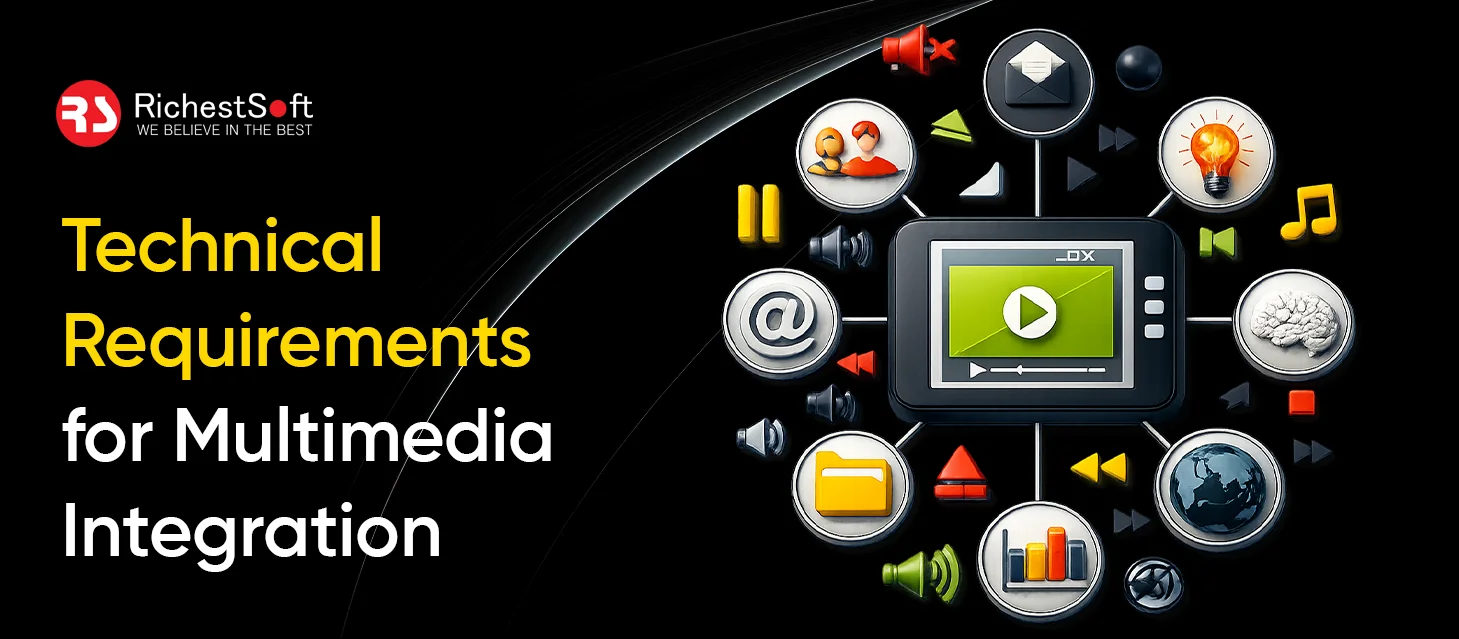
A good setup keeps the app stable, fast, and easy for users, even when many people share content at the same time. Here are some of the top technical requirements for multimedia integration:
APIs and Services for Multimedia
To handle images, movies, and audio files, apps require reliable tools. These tools enable the app to play files without any problems and display media in a clear manner. The software functions flawlessly, and users don’t experience any delays or issues when sharing content because dependable services handle media tasks.
Techniques for Media Compression
Large media files may cause an application to lag. File size can be decreased without sacrificing quality with simple compression. Smaller files consume less data and transmit more quickly. Additionally, this enhances the user experience and conserves storage space, particularly for those with sluggish internet connections.
Content Delivery Support
Media files should load fast for users in different locations. Content delivery support helps store files closer to users. This reduces loading time and keeps videos and images smooth. Faster delivery also prevents lag and keeps chats responsive during media sharing.
Metadata Management
Media files include extra details like date, size, and type. Managing this data helps sort and find files easily. Users can search and organize media better. This also helps the app show previews and group files without confusion.
Adaptive Media Playback
Internet speed changes often, especially on mobile networks. Adaptive playback adjusts video and audio quality based on connection speed. This keeps videos playing without stops and reduces buffering. Users enjoy a smooth viewing experience even with slow internet.
Real-Time Sync Across Devices
Consumers anticipate that media will load rapidly across all platforms. Files on PCs, tablets, and phones are updated via real-time syncing. Changes are immediately visible everywhere when a user submits or removes media. This maintains consistent, reliable communication across platforms.
Cloud Storage Support
Cloud storage keeps media safe and accessible. Users can access files after changing devices or reinstalling the app. Cloud backup also protects important photos and videos from loss. This feature builds trust and improves long-term user satisfaction.
Network Optimization
Media sharing should not slow down chats or calls. Smart network handling gives priority to important tasks. This keeps the app responsive while media uploads or downloads happen in the background. Users can chat smoothly while working on files.
Tips for Multimedia Content Management in WhatsApp Clone App Development Services
Handling multimedia well keeps the app fast and user-friendly. Simple optimization methods reduce load, save data, and improve performance. Explore these tips for multimedia content management:
Optimize the File Size
Large files might consume a lot of data and storage space and cause the program to lag. Prior to posting, compress music, video, and images. Smaller files maintain the app’s fluidity across all platforms and transfer more quickly. Users benefit from speedy sharing and data savings as well.
Utilize Cloud Storage to Store Media Documents
Keeping all of the media on a single server can increase expenses and slow down the system. Files stored in the cloud are secure and may be easily expanded as the user base increases. Additionally, it lowers server load, increases dependability, and guarantees that users can access media without interruption at any time.
For Fast Access, Use Smart Caching
Users may rapidly open images and movies without having to download them again via caching. The program loads the file from stored memory when it is opened again. This enhances the user experience overall, speeds up the app, and conserves mobile data.
Provide Options for Manual & Automatic Downloads
While some users prefer manual control to save data, others want media to download automatically. In the settings, add both choices. This allows consumers freedom and facilitates easy download management for those with limited data plans.
Secure Media with Robust Encryption
Privacy is extremely crucial in messaging apps. Make sure that only the sender and recipient can see documents, videos, and images. Robust security prevents hackers and illegal access to user content while fostering trust.
Clean Out Old and Unused Media
Over time, media files can occupy a significant amount of server and device space. Provide choices for users to manually manage storage or have outdated data deleted automatically. This maintains the app’s speed, minimizes storage issues, and enhances performance over time.
Examples of Top Messaging Platforms
Many messaging apps, besides WhatsApp, have effectively leveraged multimedia features to attract and retain users. Explore these similar apps below:
Telegram
With Telegram, users may communicate huge files—such as documents, films, and photos- up to 2 GB without experiencing significant compression. Users benefit from fast sharing and comprehensive content support across chats and channels, and media is accessible from any device thanks to its cloud-based storage.
Signal
Signal prioritizes safe multimedia sharing and privacy. Strong encryption allows users to communicate voice messages, videos, and photographs, making it a reliable option for audiences concerned about their privacy.
Sandes
Official teams have utilized Sandes, an Indian messaging app, to safely exchange papers and messages. It demonstrates that, when designed securely and effectively, even local or specialized programs can manage multimedia content.
Conclusion
Handling media on What’sApp clone is not just a matter of technical achievement — it’s a matter of providing a seamless user experience. Designing the app to be simple, powerful, and fast provides a smooth and fun conversational experience for users.
At RichestSoft, we offer WhatsApp Clone App Development that is intuitive, secure, and high-performing. We make sure the users have a quick, easy, and meaningful chat.

FAQ’s
Q1. What media can users share?
A: Users can send photos, videos, voice notes, documents, GIFs, and stickers.
Q2. Why does the media load slowly sometimes?
A: Large files or slow internet can delay loading. Compressed files help them load faster.
Q3. How is media kept safe?
A: Encryption makes sure only the sender and receiver can see files.
Q4. Can media be downloaded automatically?
A: Yes, users can choose auto-download on Wi-Fi or manual download on mobile data.
Q5. What if a user changes devices?
A: Cloud backup keeps media safe, so it is not lost when switching devices.
Q6. How does the app stay fast with many files?
A: Using caching, cloud storage, and background uploads keeps the app smooth and fast.